AI-generated inspiration. Your results may look different.
Product · Luxury · Reel
The fragrance reveal
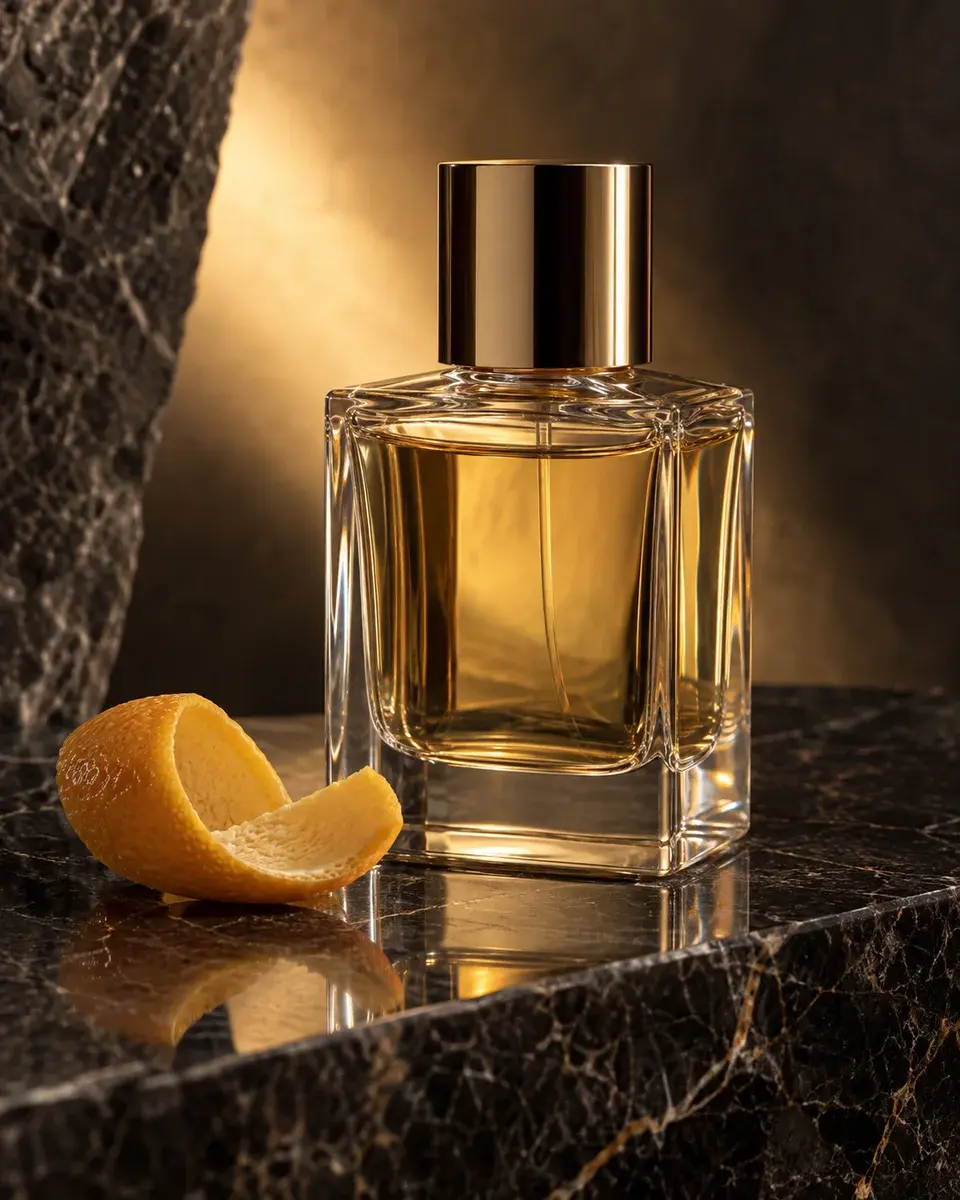
Product inspiration for product photos. An unbranded clear perfume bottle with pale amber liquid resting on a dark polished stone slab, a single citrus peel beside it and restrained reflections.
Your video prompt
Create a 15-second vertical 9:16 reel. If a product reference is attached, preserve its exact shape, proportions, materials, cap or handle, existing label and branding. Use the scene below for presentation; the example product must not replace the supplied object or erase its label. Scene: an unbranded clear perfume bottle with pale amber liquid resting on a dark polished stone slab, a single citrus peel beside it and restrained reflections. Appearance: Show one clear rectangular perfume bottle with thick bevelled glass, rounded vertical edges, pale amber liquid and a cylindrical polished gold cap attached to its neck. Use no label or lettering. Pose and expression: Stand the bottle upright on dark polished veined stone, with one curled citrus peel beside the base. Keep the camera at a low three-quarter hero angle and the whole cap visible. Essential visible details: Fixed bottle silhouette, one gold cap, stable liquid level, a single citrus peel, narrow softbox highlights and warm transmitted light. Reflections must track the bottle rather than become a second object. Lighting: narrow softbox reflections with a warm backlight through the bottle. Camera: 90mm macro lens, f/8, close hero product composition. Keep defining details inside the central vertical frame with space above hair or the product cap. 0–5 seconds: Slowly push towards the complete upright bottle as one soft reflected highlight moves across the front glass. Transition: Match cut maintaining action continuity. 5–10 seconds: Make a short macro lateral move across the cap edge, bevelled glass and citrus peel, preserving the cap shape and liquid level. Transition: Match cut maintaining action continuity. 10–15 seconds: Return to the full hero bottle with its stable reflection and hold the lighting steady. Hold the final frame during 14–15 seconds, within this scene. Transition: Hold and end. Continuity: Maintain exact product geometry, cap, liquid level, label, props and reflection direction; no morphing, label drift, duplicated bottles or unstable liquid. Total runtime is exactly 15 seconds, including the final hold. Use natural motion; no flashing lights, added text or watermarks.
- Aspect ratio
- 9:16
- Subject
- Product
- Framing
- close hero product composition
- Lighting
- narrow softbox reflections with a warm backlight through the bottle
- Camera direction
- 90mm macro lens, f/8, close hero product composition
- Occasion
- Brand launch
Suggested for
VeoKlingRunwaySora
Tool support and results vary. A suggestion is not a compatibility guarantee.
Your reel, scene by scene
15 seconds · The fragrance reveal
Scene 1 · 0–5s
Slowly push towards the complete upright bottle as one soft reflected highlight moves across the front glass.
Transition: Match cut maintaining action continuity
Scene 2 · 5–10s
Make a short macro lateral move across the cap edge, bevelled glass and citrus peel, preserving the cap shape and liquid level.
Transition: Match cut maintaining action continuity
Scene 3 · 10–15s
Return to the full hero bottle with its stable reflection and hold the lighting steady. Hold the final frame during 14–15 seconds, within this scene.
Transition: Hold and end
Make it ready to post
The fragrance reveal. A moment to keep.
#PicMagic #AIReelIdeas #CreativeVideo
Music mood: Gentle instrumental with a gradual lift; choose music you have permission to use.
A little help getting started
How do I use this prompt with my own photo?
Attach a clear product reference in an image tool that supports references, then paste the complete prompt. Your object’s shape and existing label take priority over the example bottle or cup. PicMagic does not upload your image or run the external tool.
Which details should I check in the result?
Fixed bottle silhouette, one gold cap, stable liquid level, a single citrus peel, narrow softbox highlights and warm transmitted light. Reflections must track the bottle rather than become a second object. Check these against the preview and the prompt before accepting the result.
What if the tool leaves out a detail?
Use the tool’s edit or masked-edit feature on the generated result. Name the missing detail and its location, and ask it to change only that area while preserving everything else. For example, ask to restore the cap shape without changing the bottle or label. A more specific prompt helps, but exact reproduction is not guaranteed.
A little more like this
Keep the inspiration going.
Small details. Beautifully made.
Reel idea
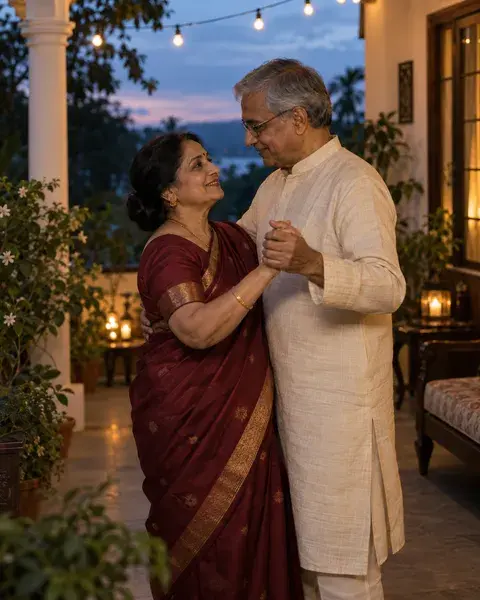
The anniversary slow dance
Reel idea
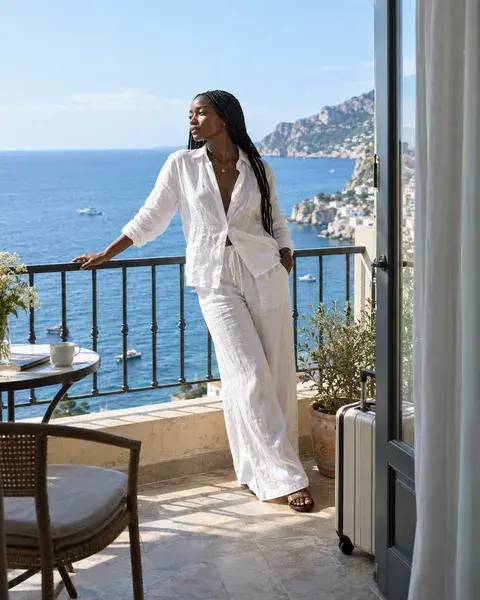
From suitcase to seaside
Reel idea
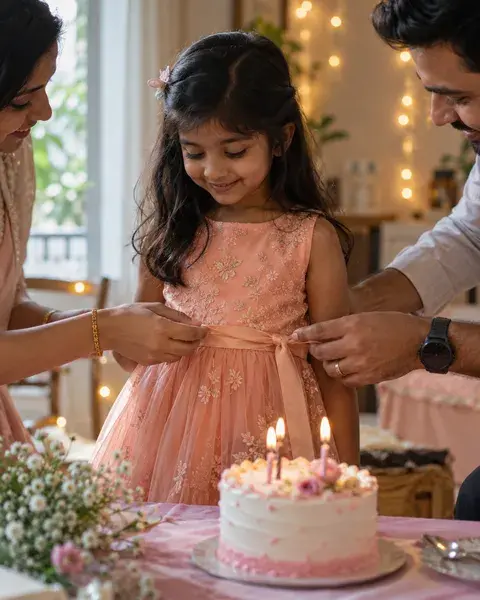
A birthday in three little moments
Reel idea
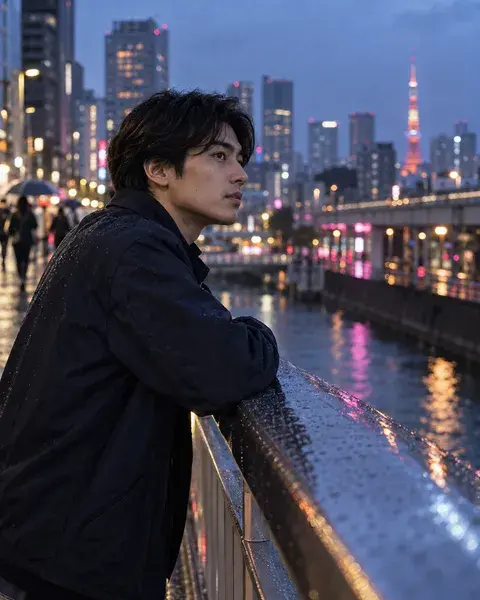
One city, one beautiful evening
Reel idea