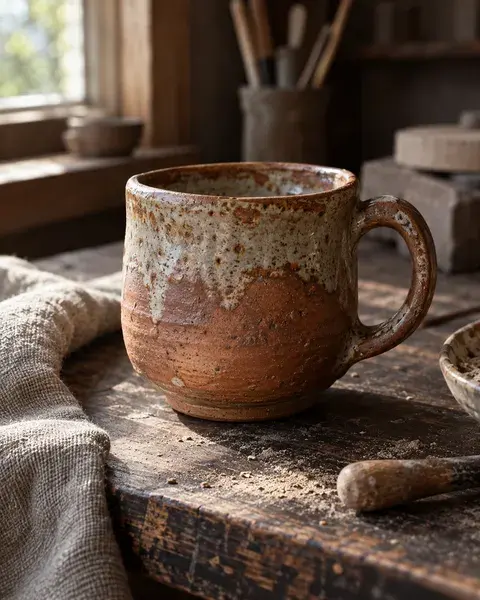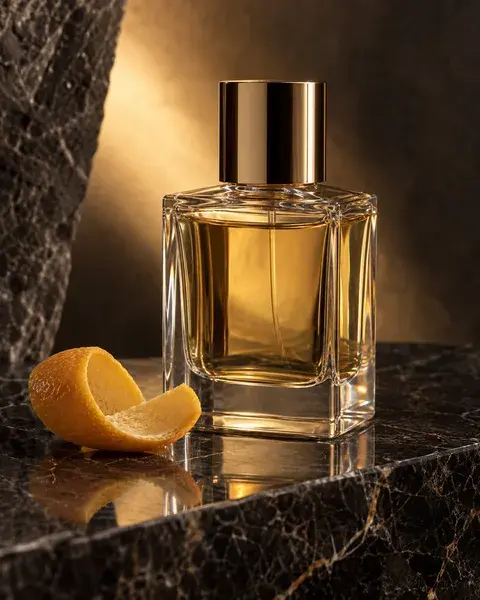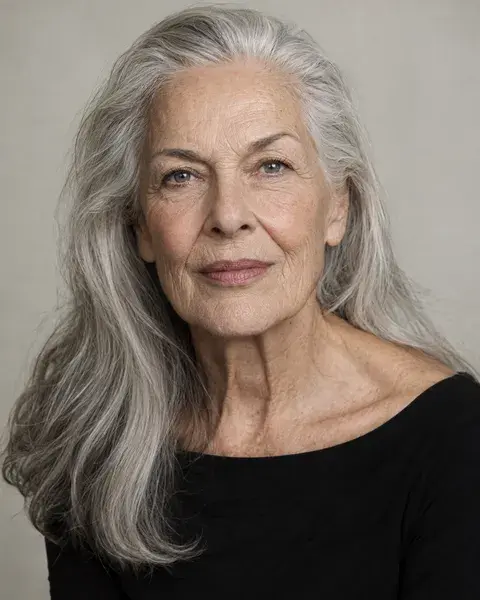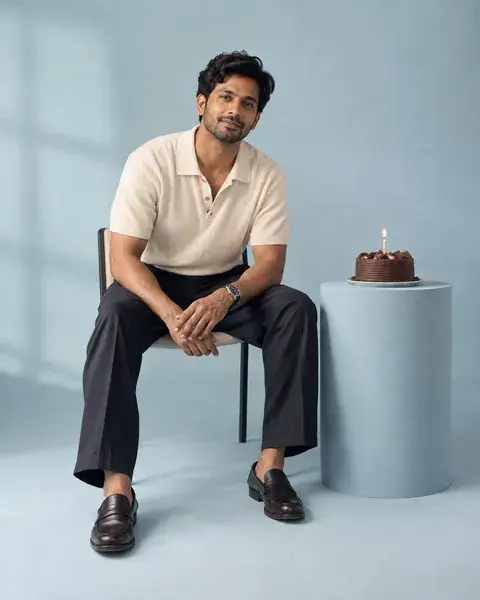
AI-generated inspiration. Your results may look different.
Product · Minimal · Studio
Your product, beautifully simple
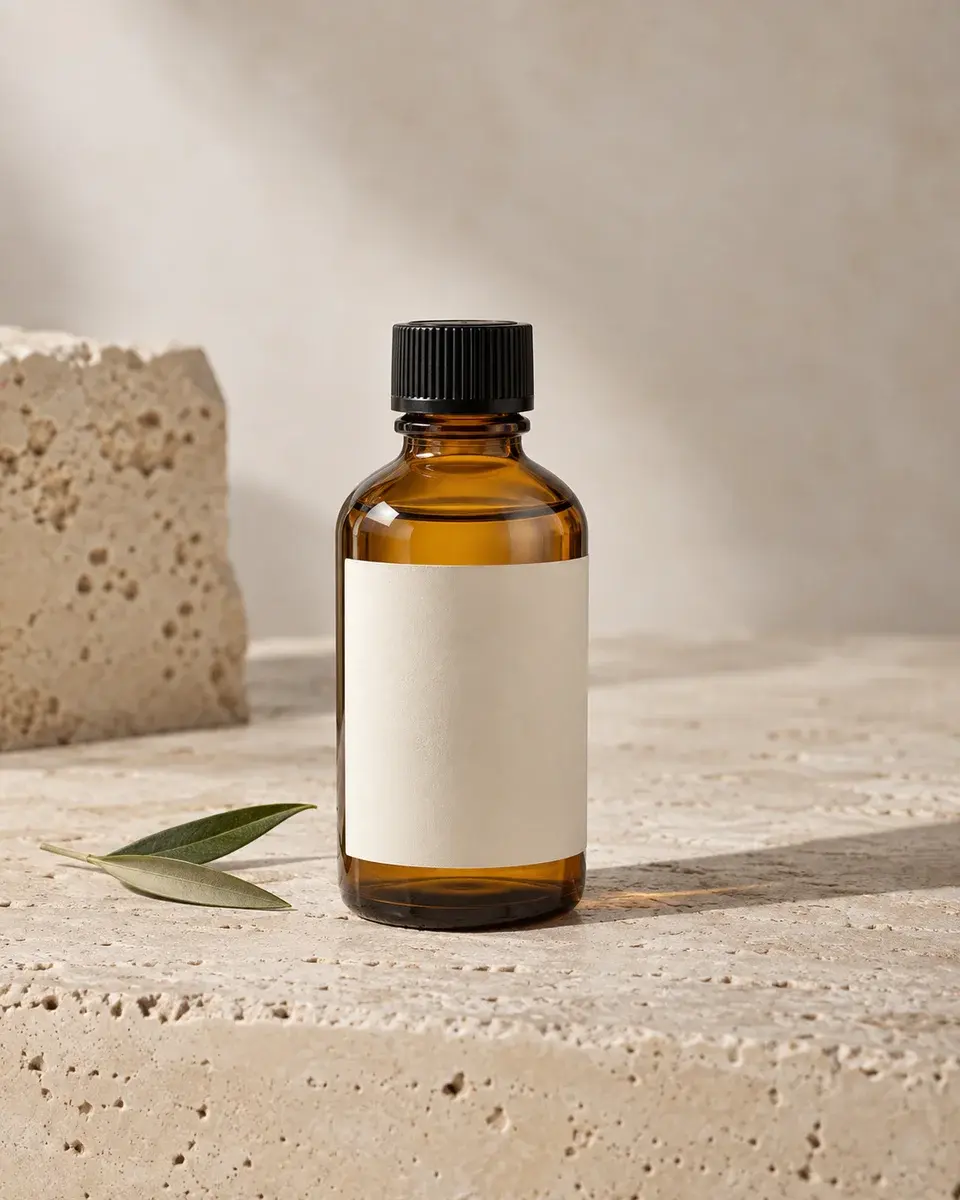
Product inspiration for product photos. An unbranded amber glass skincare bottle with a blank cream label standing on pale travertine beside a single olive leaf, realistic glass thickness and clean controlled reflections.
The magic prompt
If a product reference is attached, preserve its exact shape, proportions, materials, cap or handle, existing label and branding. Use the scene below for presentation; the example product must not replace the supplied object or erase its label. Create a photograph of an unbranded amber glass skincare bottle with a blank cream label standing on pale travertine beside a single olive leaf, realistic glass thickness and clean controlled reflections. Appearance: Show one small cylindrical amber glass bottle with rounded shoulders, a short neck, a ribbed black screw cap and a clean rectangular cream label without lettering. Preserve the amber transparency and visible glass base. Pose and expression: Place the bottle upright and centred on pale porous travertine, with a small olive sprig lying beside its base and a second stone block softly behind it. Essential visible details: One bottle, one black cap attached correctly, blank cream label, travertine pores and restrained olive leaves. Show the cap and base completely; keep reflections narrow enough to see the bottle shape. Lighting: large diffused studio source, soft shadow falling to the right. Camera and framing: 90mm macro lens, f/8, eye-level to slightly raised three-quarter product view with the complete bottle and generous negative space. Compose for a 4:5 image. Keep the entire object inside the crop. Preserve material texture, accurate geometry, refraction and physically plausible contact shadows. No extra objects or distorted labels. Avoid artificial HDR halos, excessive smoothing, watermarks and unwanted text. Prioritize the essential visible details over decorative background elements.
- Aspect ratio
- 4:5
- Subject
- Product
- Framing
- eye-level to slightly raised three-quarter product view with the complete bottle and generous negative space
- Lighting
- large diffused studio source, soft shadow falling to the right
- Camera direction
- 90mm macro lens, f/8, eye-level to slightly raised three-quarter product view with the complete bottle and generous negative space
- Occasion
- Brand launch
Suggested for
ChatGPT ImagesGeminiMidjourneyFlux
Tool support and results vary. A suggestion is not a compatibility guarantee.
A little help getting started
How do I use this prompt with my own photo?
Attach a clear product reference in an image tool that supports references, then paste the complete prompt. Your object’s shape and existing label take priority over the example bottle or cup. PicMagic does not upload your image or run the external tool.
Which details should I check in the result?
One bottle, one black cap attached correctly, blank cream label, travertine pores and restrained olive leaves. Show the cap and base completely; keep reflections narrow enough to see the bottle shape. Check these against the preview and the prompt before accepting the result.
What if the tool leaves out a detail?
Use the tool’s edit or masked-edit feature on the generated result. Name the missing detail and its location, and ask it to change only that area while preserving everything else. For example, ask to restore the cap shape without changing the bottle or label. A more specific prompt helps, but exact reproduction is not guaranteed.
A little more like this
Keep the inspiration going.