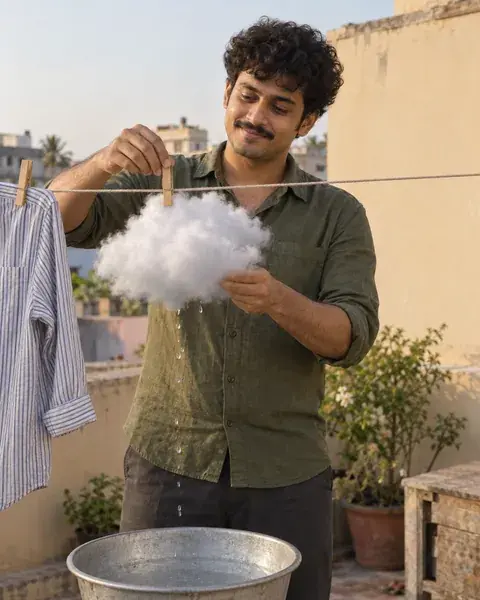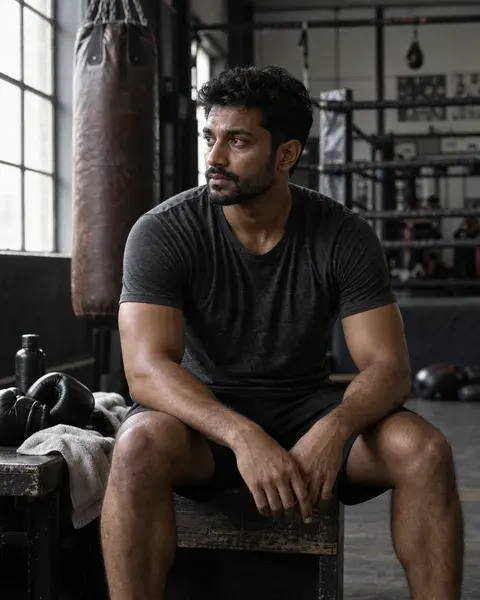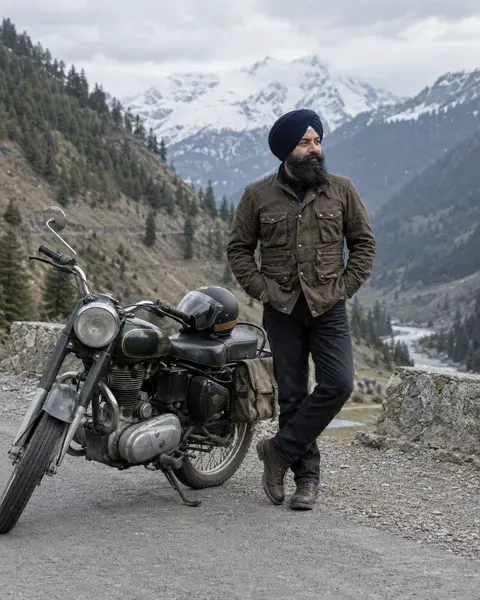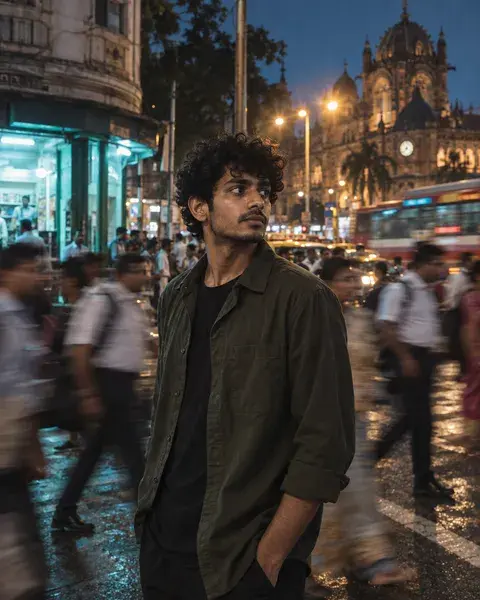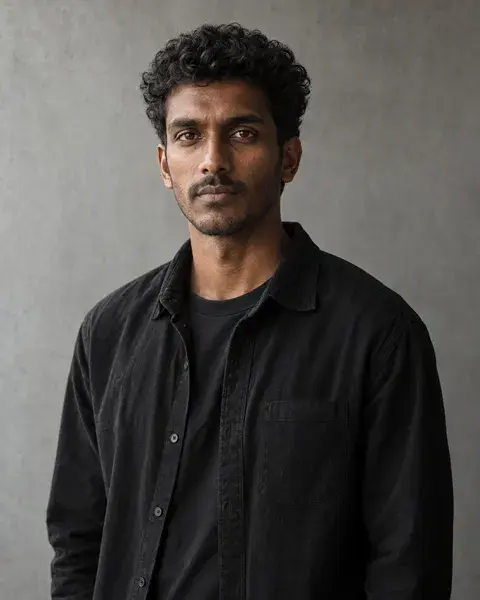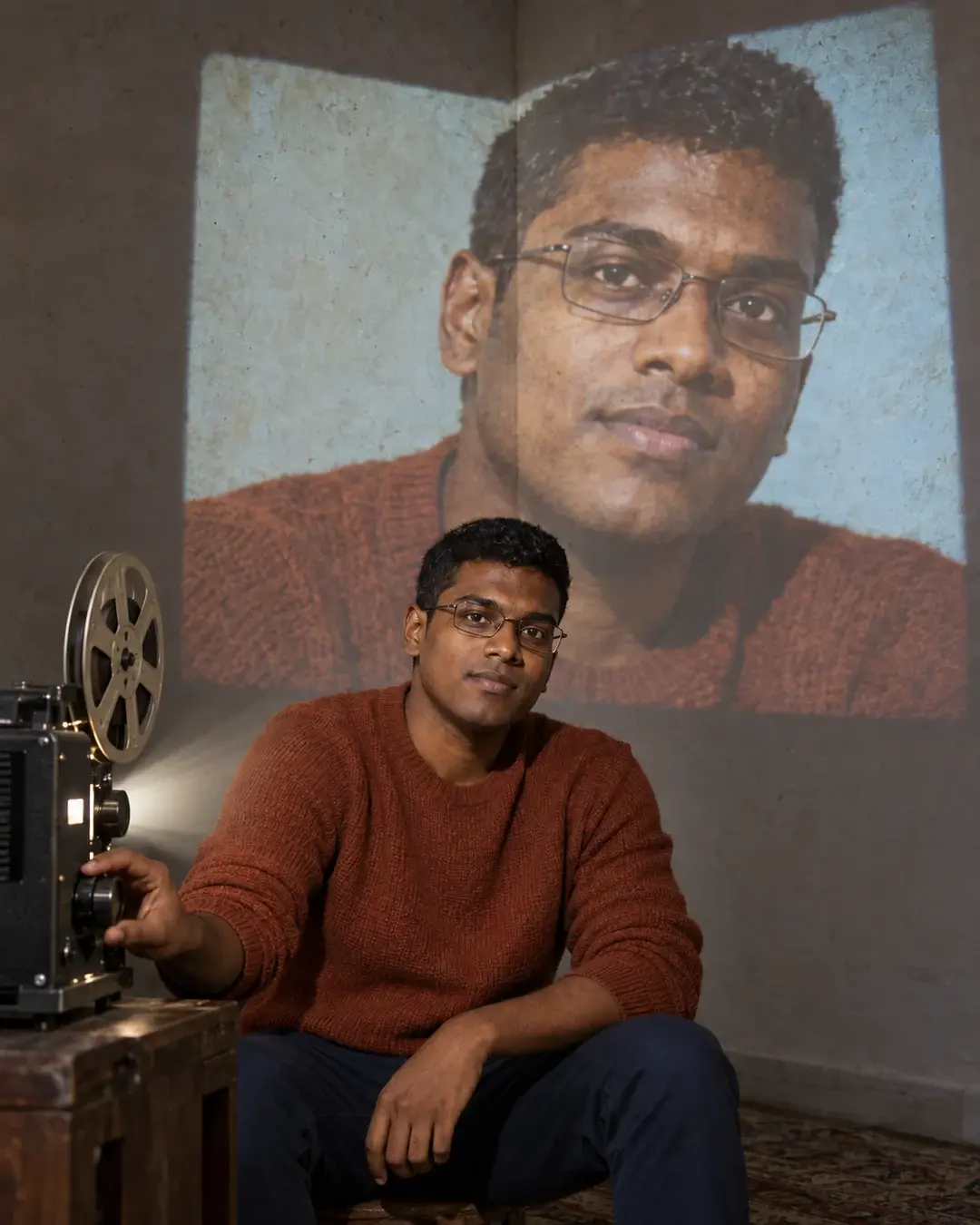
AI-generated inspiration. Your results may look different.
Architectural projection
The Projectionist Is Me
You are both the operator and the image. One adult sits in the lower centre foreground beside a small film projector, one hand resting on its focus knob. Upload your own reference in your chosen image tool to recreate the idea.
The magic prompt
REFERENCE PRESENT: The supplied person/persons are authoritative for identity. Preserve each recognizable face, facial structure, distinguishing features, age, ethnicity, skin tone, natural body proportions and hairline. The PicMagic preview supplies the creative treatment, pose, wardrobe, expression, composition, lighting and environment only; do not copy its model's face or identity. Cultural styling never determines ethnicity. Adapt hair arrangement, clothing, expression and pose only as required by the concept, keeping the person recognizable. Otherwise preserve or gently arrange the existing hair. Keep meaningful glasses, facial hair and personal marks. Never lighten, darken, de-age, beautify or reshape the reference to match the fictional preview. NO REFERENCE PRESENT: Default to an appropriate fictional Indian/South Asian adult with believable individual features and natural proportions. This is an invented example, not a personalized result. REFERENCE REQUIREMENTS: One clear identity reference; additional face angles may help. Preserve the actual adult age; never make an older person Gen Z. Do not age a child up for this adult concept. CREATIVE DIRECTION: One adult sits in the lower centre foreground beside a small film projector, one hand resting on its focus knob. Behind them, a LARGE second close portrait of that same identity is projected onto the corner of two angled plaster walls. The projected portrait bends visibly across the architectural corner; its light has surface grain and a rectangular projector boundary. The foreground person is real and neutrally lit, looking towards camera with the same unmistakable facial geometry. Exactly TWO intentional depictions of ONE identity: one physical person and one projected image. No ghost head, double exposure, collage windows, title or branding. Keep both faces unobstructed and recognizable; no face split across a deep gap. STYLING: Concept-appropriate pose, expression, wardrobe, grooming and hair arrangement; preserve hairline and avoid unnecessary hair changes. COMPOSITION AND LIGHT: One coherent 4:5 portrait scene. Keep the face prominent and crisp at mobile-feed size, with clear natural skin texture, physically coherent contact shadows and controlled depth. Use soft neutral face light; material and environment lighting may vary without changing complexion. OUTPUT: One portrait image, target 1080 × 1350. All essential faces and the defining mechanism remain inside the crop. CONSTRAINTS: No copied branding, visible application UI, album art, readable text, watermark, malformed objects, extra fingers or merged anatomy. Exactly two intentional depictions of one identity, not two people; no third face. If the projected likeness drifts, correct it against the original reference rather than accepting a new face. Do not turn a photographic face into a drawing or distort facial landmarks. This is personal creative imagery, not a product-fidelity catalogue workflow. Identity preservation is requested, not guaranteed by PicMagic. MECHANISM CLARIFICATION: The room has plain walls outside the projection; do not add framed artwork, people in pictures or a third face.
- Aspect ratio
- 4:5
- Subject
- One identity in two intentional depictions
- Framing
- 4:5 portrait; readable face and complete visual mechanism
- Lighting
- Soft neutral face light with coherent environmental shadows
- Camera direction
- Natural photographic perspective
- Occasion
- Creative social post
Suggested for
ChatGPTGemini
Tool support and results vary. A suggestion is not a compatibility guarantee.
A little help getting started
Can I use my own photograph?
Yes. Copy the complete prompt into your chosen image tool and attach your photograph. Your reference controls identity; the fictional preview supplies styling. Results can vary.
Does PicMagic generate this image for me?
PicMagic provides the idea and ready-to-use prompt. Create your image in a compatible external tool; the preview is an AI-generated example.
A little more like this
Keep the inspiration going.