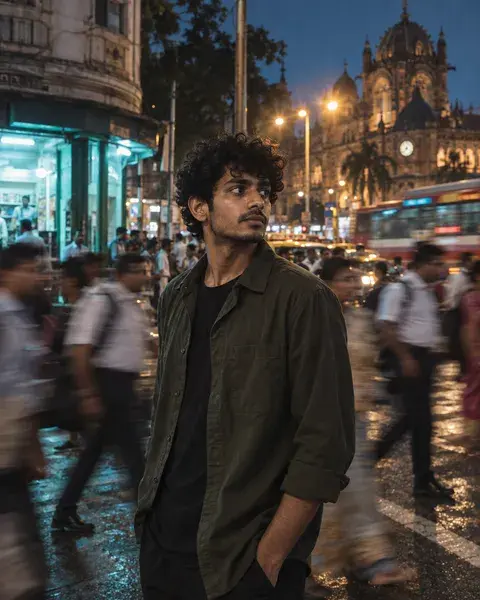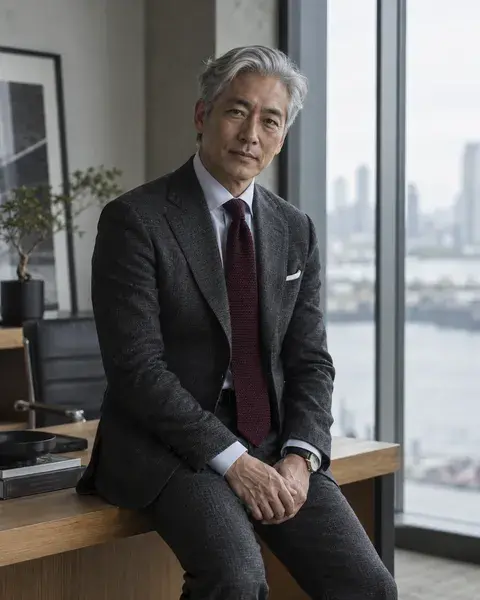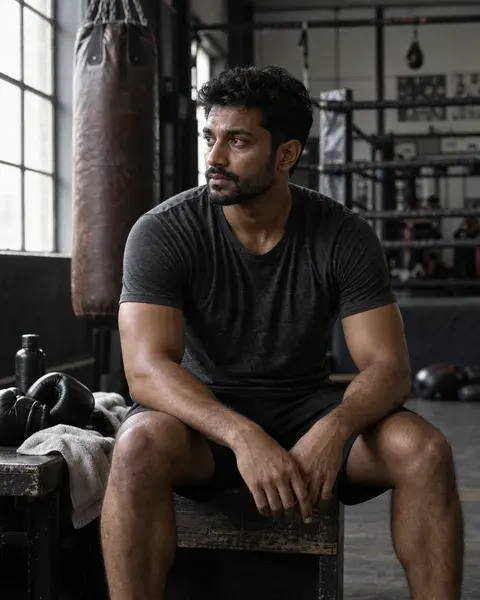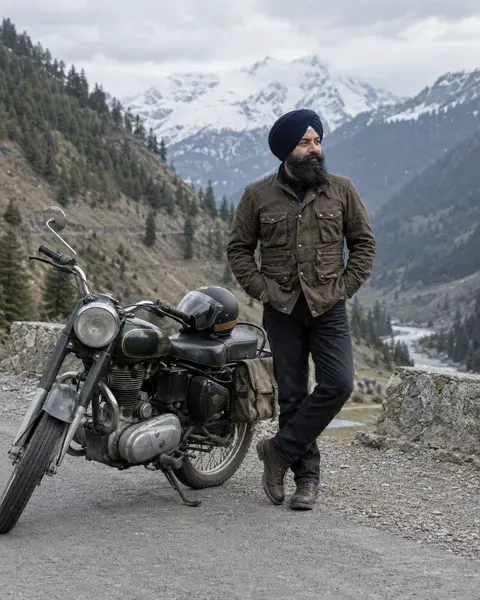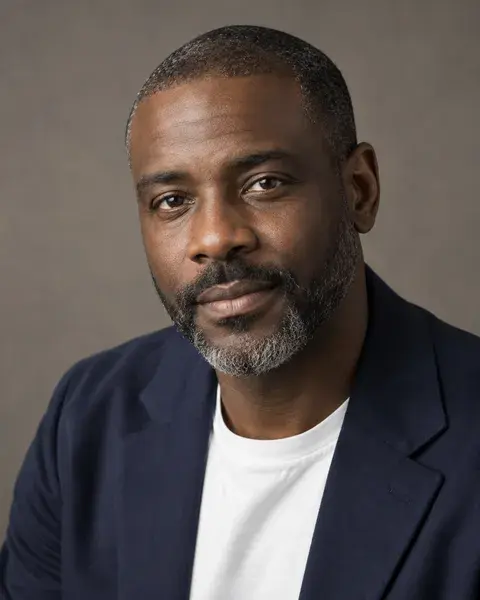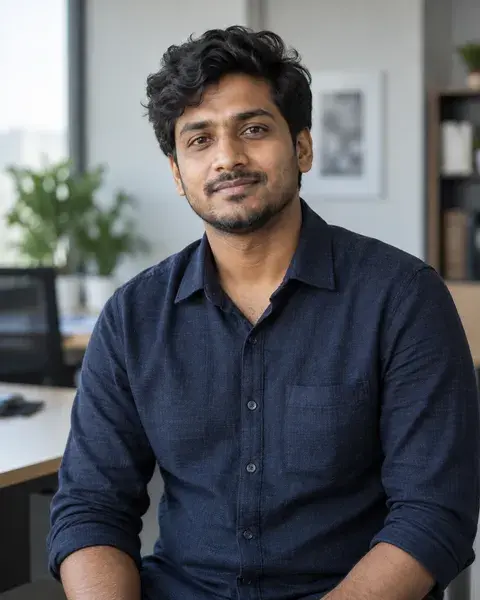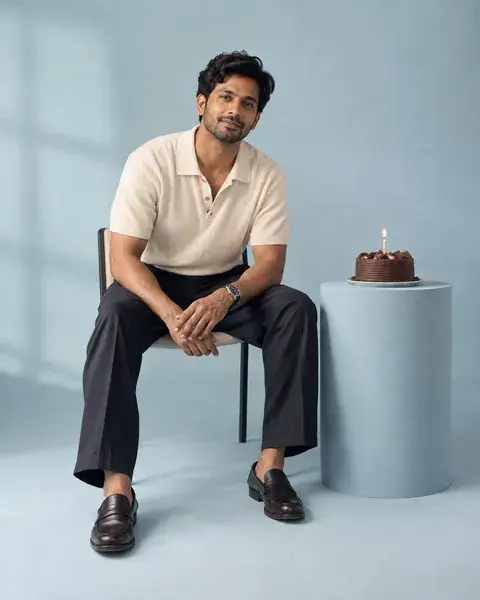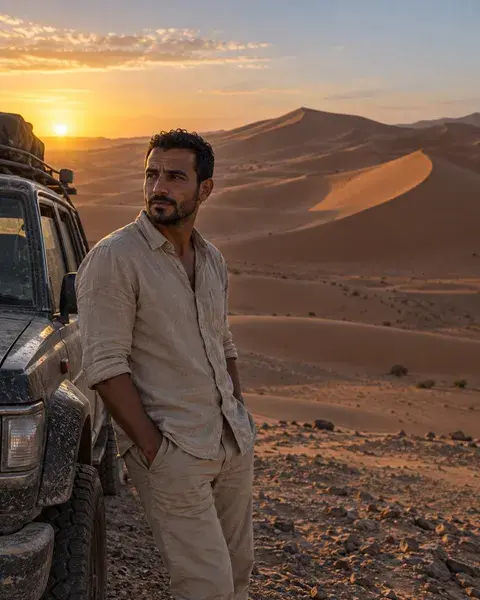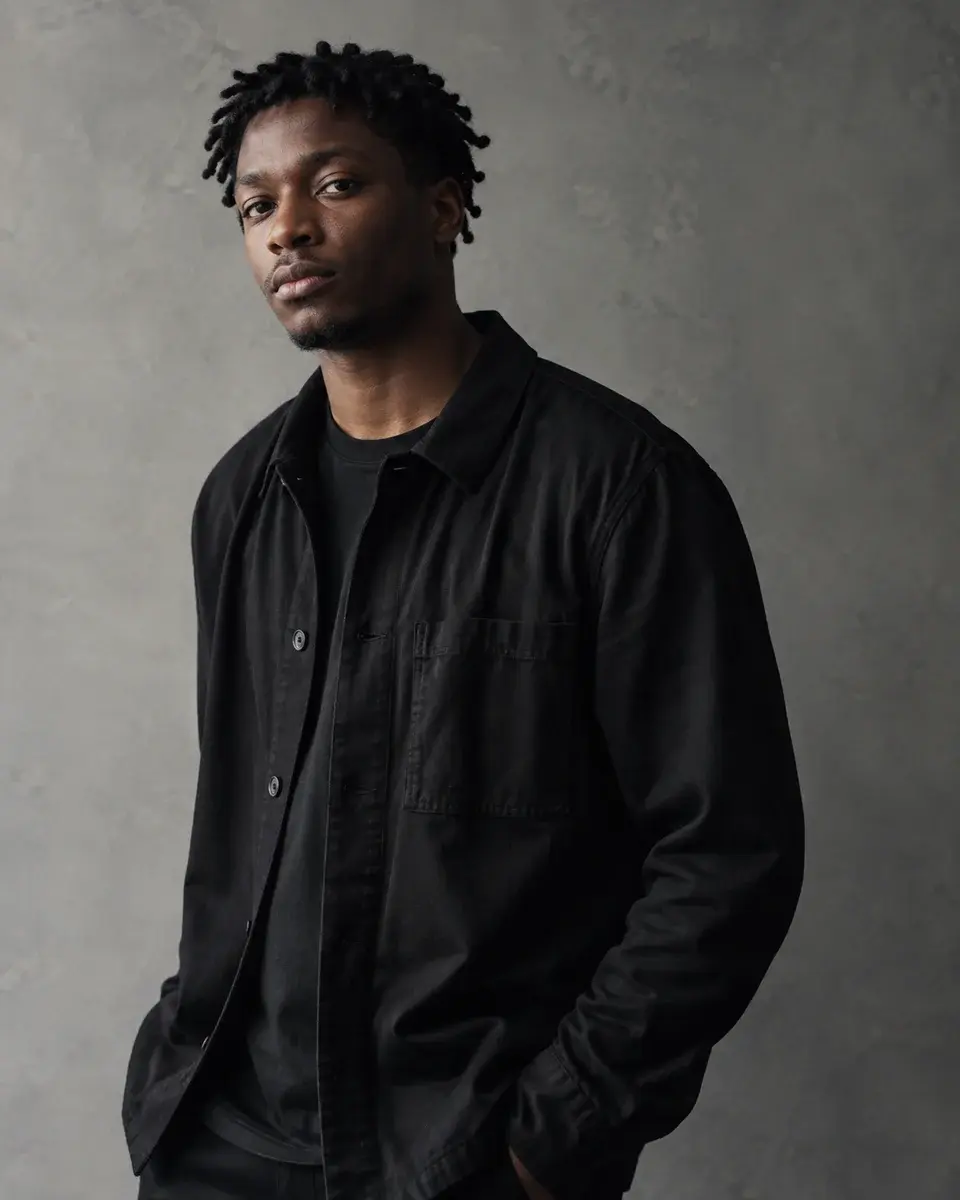
AI-generated inspiration. Your results may look different.
Photo enhancement · Background · Studio
Change the scene, keep yourself
Photo enhancement inspiration for man photos. A young man with dark brown skin and short twists wearing his own everyday black overshirt against a clean stone-grey studio wall, preserve natural body proportions and realistic hair edges.
The magic prompt
Replace only the background of the supplied photograph with a clean stone-grey studio wall. Preserve every person exactly: identity, age, facial structure, skin tone, hairstyle, expression, pose, clothing, jewellery and cultural marks. Match the new background to the existing subject’s light and camera perspective; do not relight or restyle the subject. Appearance: Preserve the uploaded person’s original hair or twists, hairline, expression, eye direction and all facial detail. The example’s short twists and calm serious gaze describe the preview only. Pose and expression: Keep the subject’s exact pose and framing from the source. Replace the background behind the existing silhouette without redrawing the person. Essential visible details: Original outfit, jewellery, meaningful marks and fine hair edges; a simple stone-grey studio wall with perspective and light direction matched to the source. Preserve original framing unless a headshot crop is requested; never invent unseen body parts to fit a new crop. Output aspect ratio: 4:5, using a careful crop or background extension only where needed. Keep natural texture and plausible edges; avoid beauty smoothing, halos, added text or watermarks.
- Aspect ratio
- 4:5
- Subject
- Man
- Framing
- half-body portrait
- Lighting
- soft side light consistent across face, clothing and background
- Camera direction
- 85mm lens, f/4, half-body portrait
- Occasion
- Everyday
Suggested for
ChatGPT ImagesGeminiMidjourneyFlux
Tool support and results vary. A suggestion is not a compatibility guarantee.
Use a photo you have permission to edit. These instructions ask the AI tool to retain your appearance; exact identity preservation cannot be guaranteed.
A little help getting started
How do I use this prompt with my own photo?
Attach your own clear reference photo in a tool that supports image references, then paste the complete prompt. For a group, provide the intended people and keep their identities distinct. If you also attach the PicMagic preview, label your photo as the identity reference and the preview as the style reference. The preview face should not replace yours.
Which details should I check in the result?
Original outfit, jewellery, meaningful marks and fine hair edges; a simple stone-grey studio wall with perspective and light direction matched to the source. Check these against the preview and the prompt before accepting the result.
What if the tool leaves out a detail?
Edit the generated result rather than starting over: name the missing hairstyle, expression, forehead mark or accessory and where it belongs. Ask the tool to change only that feature while preserving the same person and all correct details. Use a masked edit if supported. Specific directions improve guidance, but exact identity or preview matching is not guaranteed.
A little more like this
Keep the inspiration going.