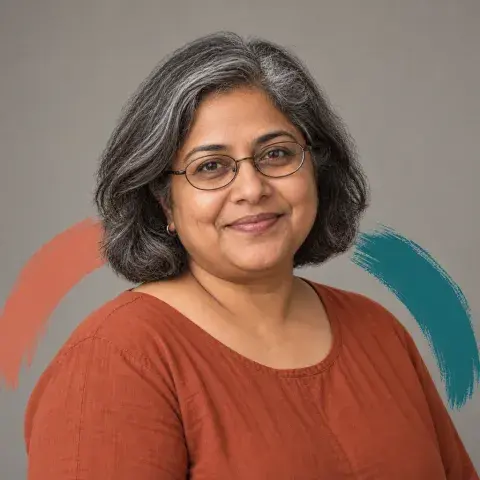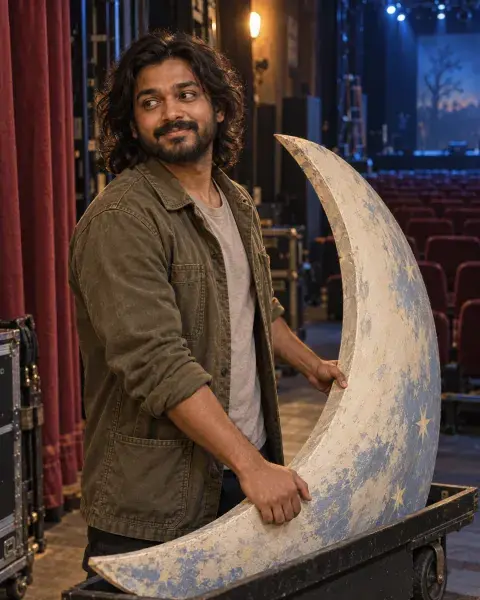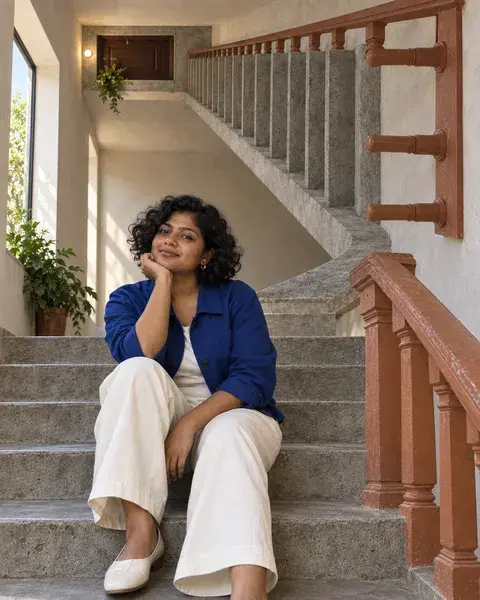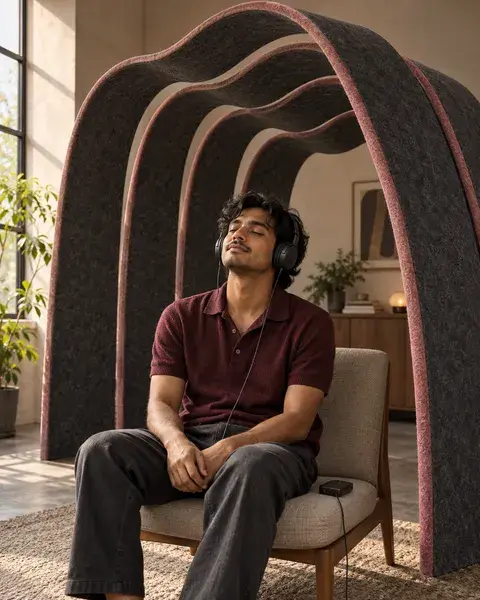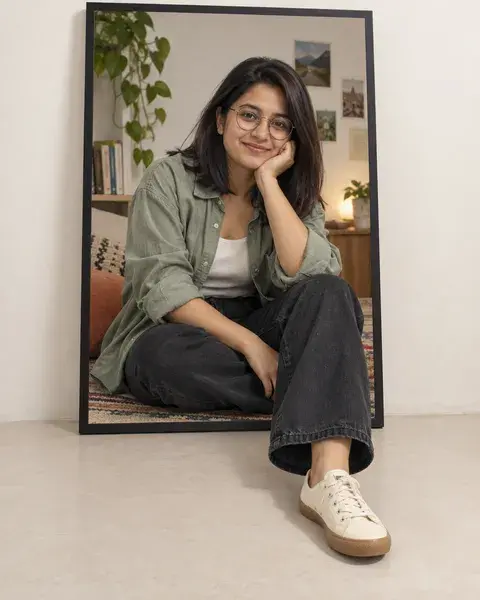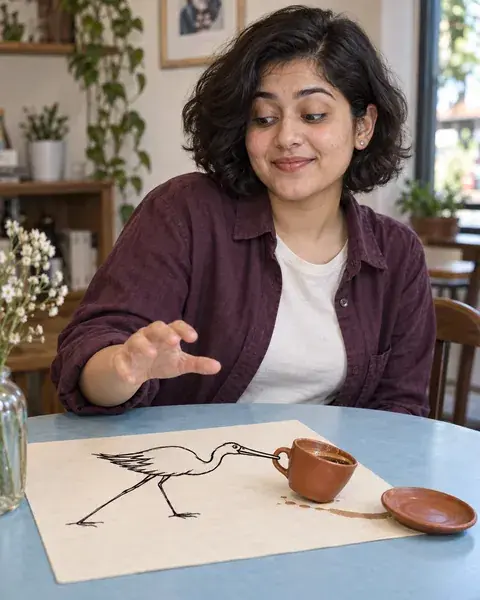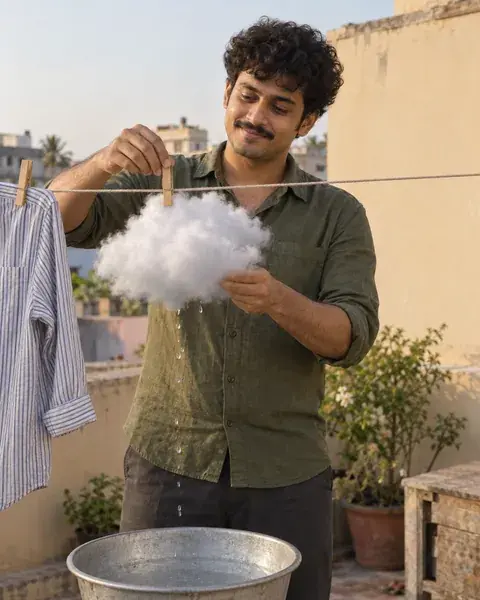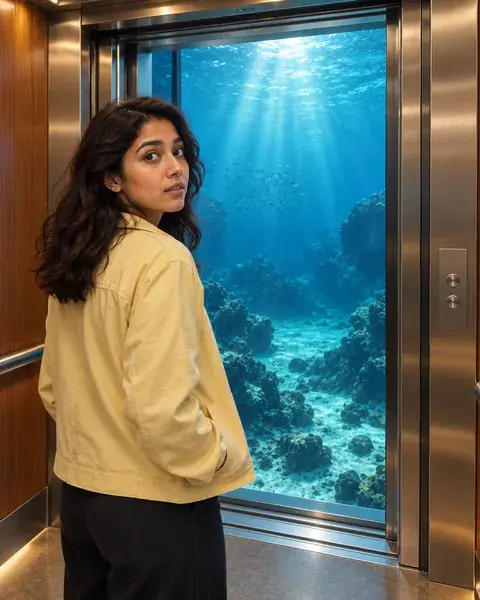
AI-generated inspiration. Your results may look different.
Creative profile portrait
A Fold Around You
A clean avatar with a tactile frame that stays understandable at tiny size. Use your own reference photo in your chosen image tool; PicMagic provides the prompt, not direct image generation.
The magic prompt
REFERENCE PRESENT: The supplied person/persons are authoritative for identity. Preserve each recognizable face, facial structure, distinguishing features, age, ethnicity, skin tone, natural body proportions and hairline. The PicMagic preview supplies the creative treatment, pose, wardrobe, expression, composition, lighting and environment only; do not copy its model's face or identity. Cultural styling never determines ethnicity. Adapt hair arrangement, clothing, expression and pose only as required by the concept, keeping the person recognizable. Otherwise preserve or gently arrange the existing hair. Exactly one supplied person is the identity authority; retain glasses and facial hair unless explicitly changed by the user. NO REFERENCE PRESENT: Default to an appropriate fictional Indian/South Asian adult with a believable, individual appearance. This is an invented example, not a personalized result. STYLING: Adapt pose, expression, clothing or hair arrangement only enough to support the concept. Do not unnecessarily change hair length, texture or colour. Keep the person recognizable and the styling appropriate to their actual age. No automatic beautification, age reduction, skin lightening, altered facial proportions or physique changes. CREATIVE DIRECTION: Create a photographic close portrait in front of a physically folded sheet of heavy cream paper. Two broad asymmetric folds behind the left and right shoulders form an open aperture around the head, with soft real cast shadows and a quiet petrol-blue backing. Keep the face, hair, glasses and clothing photographic; do not turn the person into paper, tear through the face or wrap paper around the neck. Use neutral soft frontal light on the face and restrained side light on the paper. Show one calm, natural expression with readable eyes and distinct separation from the backing. OUTPUT: One 1:1 square master, target 1024 × 1024. A single close or chest-up portrait with the face as the primary focal point. Centre the eyes, nose and mouth; keep the complete head, hair and chin comfortably inside the central circular crop, with visible breathing room above and below. Aim for the head to occupy roughly 55–65% of canvas height; adapt to the person's actual hair and headwear without trimming them. The identity and one broad treatment must remain legible as both square and circular avatars at 40, 64 and 128 pixels. Put decoration toward the sides and behind the shoulders, not across facial landmarks. Do not add a printed circular border, multiple panels, duplicate heads, tiny writing, logos or watermarks. Before rendering, resolve any conflict in favour of reference identity and the stated material. Identity preservation is an instruction, not a guaranteed third-party result.
- Aspect ratio
- 1:1
- Subject
- One person
- Framing
- Square close portrait with circular safe area
- Lighting
- Soft neutral face light
- Camera direction
- Natural portrait perspective
- Occasion
- Cross-app profile picture
Suggested for
ChatGPTGemini
Tool support and results vary. A suggestion is not a compatibility guarantee.
A little help getting started
Can I use my own photograph?
Yes. Copy the complete prompt into your chosen image tool and attach your photograph. Your reference controls identity; the fictional preview supplies styling. Results can vary.
Will this work as a circular profile picture?
Use the square composition and keep your full face inside the central circle. Check the finished result at small size before using it.
A little more like this
Keep the inspiration going.